
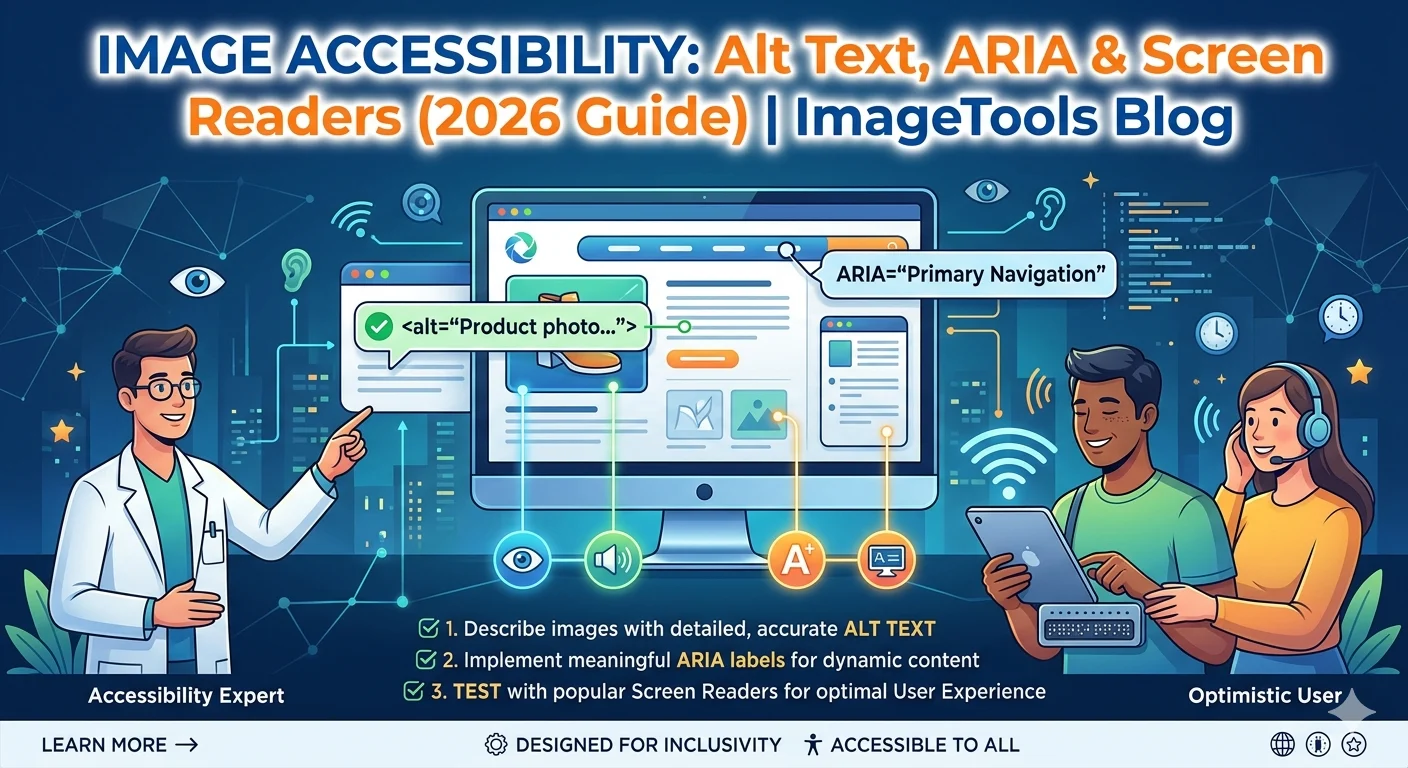
Image Accessibility:
Alt Text, ARIA & Screen Readers Guide
Image accessibility is a user experience fundamental that most websites get wrong. Writing correct alt text, using ARIA labels appropriately, and understanding screen reader behavior is both a legal requirement under WCAG and a significant SEO opportunity. This guide covers everything you need to get image accessibility right in 2026.
📋 Table of Contents
Why Image Accessibility Matters in 2026
Approximately 2.2 billion people worldwide have some form of vision impairment. Screen readers — software that reads web content aloud — are used daily by millions of people. When images lack proper alt text, those users receive a broken experience: either the filename is read aloud (meaningless) or the image is skipped with no context provided at all.
Beyond ethics, image accessibility carries legal weight. The Web Content Accessibility Guidelines (WCAG 2.1) require alt text for all meaningful images. In the US, UK, EU, and Australia, inaccessible websites can face legal action under accessibility and anti-discrimination laws. And practically speaking, fixing image accessibility simultaneously boosts image search rankings — Google reads alt text exactly the same way screen readers do.
What Is Alt Text?
Alt text (short for “alternative text”) is an HTML attribute on <img> tags that provides a text description of what an image shows. It is the cornerstone of all image alt text work and serves three distinct purposes:
- Screen readers read it aloud to visually impaired users — the primary image accessibility purpose
- Browsers display it as fallback text if an image fails to load due to a broken link or slow connection
- Search engines use it to understand image content for indexing and search ranking
The HTML syntax: <img src="coffee-mug.webp" alt="Blue ceramic coffee mug with handle on white background">
The 4 Image Types & Image Accessibility Rules
Image accessibility requirements differ by image type. Getting this right means understanding which category each image falls into before writing any alt text.
How to Write Perfect Alt Text
Good alt text is essential to every well-built website. The difference between helpful and harmful alt text is usually about accuracy, brevity, and natural language — not length or complexity.
The Image Accessibility Rules for Alt Text
- Under 125 characters — most screen readers truncate at this length, cutting off longer descriptions
- Don’t start with “image of” or “photo of” — screen readers already announce it’s an image; it’s redundant
- Include one target keyword naturally — only if it fits the description organically, never forced
- Describe content, not aesthetics — “CEO presenting at conference” tells more than “man in blue suit”
- Be specific with context — “before and after image compression” serves accessibility better than “two photos”
- Never keyword-stuff — stuffed alt text fails both screen reader users and Google’s spam guidelines
The Mental Model That Works
Imagine describing the image over the phone to someone who cannot see it. What would you say? That description is your alt text. Be accurate, be concise, and include the keyword only if it would naturally appear in that verbal description. This approach satisfies both accessibility and SEO requirements simultaneously.
When to Use ARIA Labels
ARIA (Accessible Rich Internet Applications) provides additional accessibility attributes for cases where standard HTML alt text is not available. Use ARIA for images only when:
- CSS background images that convey information: Background images cannot have alt text — add
role="img" aria-label="description"to the container element to restore accessibility for that image - SVG icons used as images: Add
aria-labeldirectly to the SVG element with a descriptive label - Image galleries with labels defined elsewhere: Use
aria-labelledbypointing to an existing element ID that already contains the description
For Standard img Tags — Always Use alt, Not ARIA
If you’re using a standard <img> tag, always use the alt attribute — it has the most universal screen reader support across all browsers and assistive technologies. ARIA is for edge cases only. Never use both alt and aria-label on the same element — it creates confusing duplicate announcements that harm the user experience.
WCAG Image Accessibility Requirements
WCAG 2.1 Level AA is the legal standard for image accessibility in most jurisdictions. These are the specific criteria that apply to images on your website:
| WCAG Criterion | Level | Requirement | Status if Missing |
|---|---|---|---|
| 1.1.1 Non-text Content | A (minimum) | All meaningful images must have text alternatives | Fail |
| 1.4.5 Images of Text | AA | Don’t use images to present text when HTML text can do it | Warning |
| 1.4.9 Images of Text (No Exception) | AAA | Images of text only for decorative or essential cases | AAA only |
| 2.4.4 Link Purpose | AA | Images used as links must have descriptive alt text | Fail |
| 4.1.2 Name, Role, Value | A | All interactive image controls have accessible names | Fail |
Level A is the minimum — failing any Level A criterion means your site does not meet the baseline WCAG standard. WCAG 2.1 Level AA compliance is the legal requirement in the US (ADA), UK (Equality Act), EU (European Accessibility Act), and Australia (DDA).
The WCAG 2.1 quick reference for non-text content provides the official implementation guidance with worked examples for every scenario.
Image Accessibility + SEO: The Double Win
This is one of the few places where image accessibility and SEO goals are completely aligned — not a trade-off, but a genuine double benefit. Google reads alt text exactly the way a screen reader does: as the primary text description of what an image shows and what context it belongs in.
Writing accurate, descriptive alt text that naturally includes your target keyword achieves both simultaneously:
- Screen reader users get a clear description — image accessibility requirement met
- Google gets the text signal it needs to rank the image — image search SEO applied
- The image ranks higher in Google Image Search — more organic traffic
- Your site becomes WCAG compliant — legal risk reduced
The only way these two goals conflict is when alt text is keyword-stuffed — which makes it useless to screen reader users and is flagged as spam by Google. Properly written alt text serves both audiences without compromise.
Image Accessibility Checklist
♿ Image Accessibility Checklist
📊 Analyze Your Images for Accessibility & SEO
Use our free Image SEO Analyzer to check file size, format, filename quality, and get image accessibility improvement suggestions — all in your browser.
