
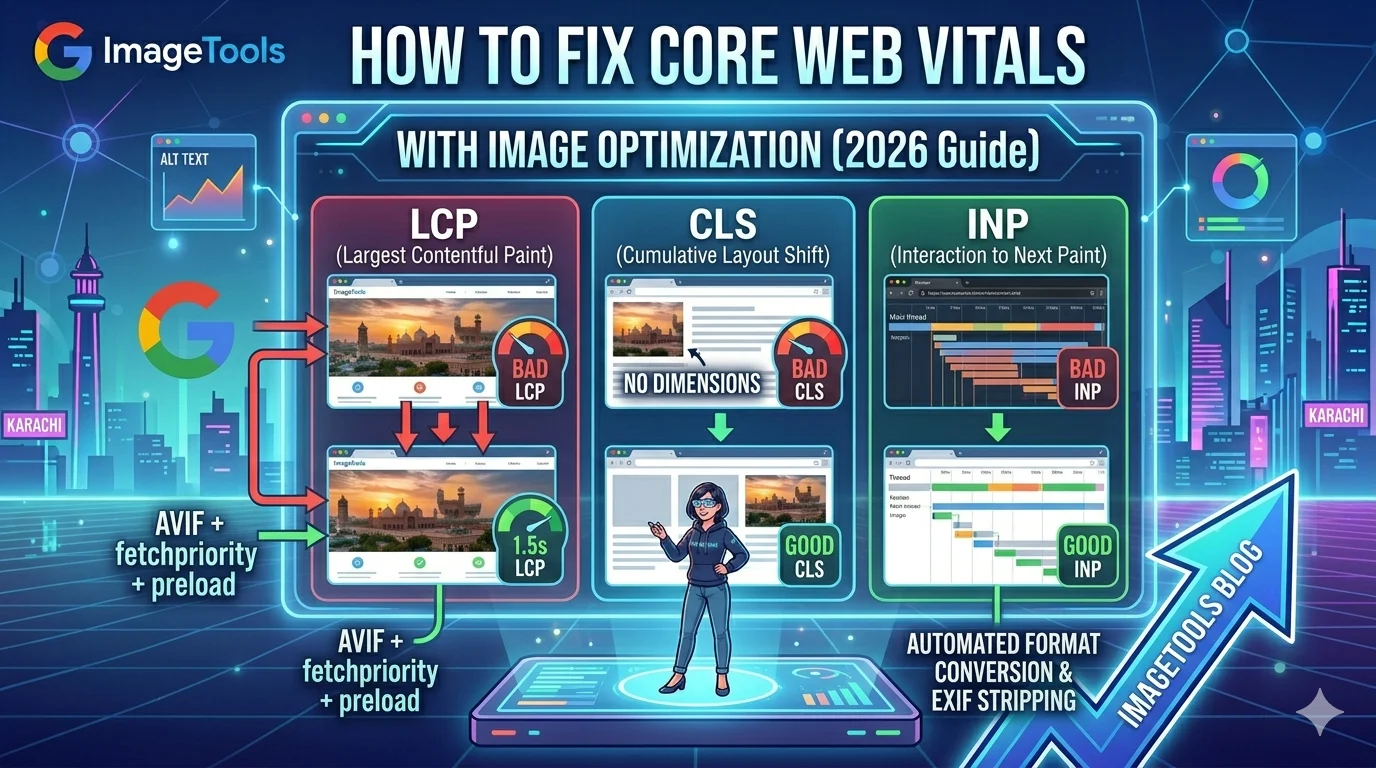
Core Web Vitals: Fix Image Optimization
Issues (2026 Guide)
Core Web Vitals are Google’s essential user experience metrics—and images are their biggest weakness. Poor scores from unoptimized images hurt your SEO rankings and frustrate users. This guide reveals exactly how to fix LCP, CLS, and speed issues through strategic image optimization. Master these techniques and watch your performance scores turn green.

📋 Table of Contents
What Are Core Web Vitals?
Core Web Vitals are Google’s official set of user experience metrics—confirmed ranking signals since 2021. The benchmarks measure three critical aspects of page experience that directly impact your SEO rankings. Images affect all three, making optimization essential for search performance.
Understanding these signals is crucial for modern SEO. They aren’t just technical scores—they reflect real user frustration. When you improve Core Web Vitals through image optimization, you simultaneously boost rankings and user satisfaction. Every fix in this guide is backed by real-world results.
Fix LCP with Hero Image Optimization
Your hero image is the LCP element on most pages—and the primary cause of poor Core Web Vitals scores. When audits show red loading metrics, your hero image is almost certainly the culprit. These fixes will transform your performance.
Google’s standards require hero images under 150KB. Most unoptimized heroes are 800KB–3MB, destroying LCP scores. Compressing to 180KB typically improves loading by 1-2 seconds on mobile.
This attribute tells browsers to prioritize your LCP element—critical for passing Google’s assessment. It was added specifically for this optimization.
<img src="hero.webp" alt="..."><img src="hero.webp" alt="..." fetchpriority="high" loading="eager">Preload links start hero downloads immediately—before HTML parsing completes. Essential when using CSS background images.
Lazy loading your hero intentionally delays the largest paint—killing your PageSpeed scores. This is the most common mistake we see.
<img src="hero.webp" loading="lazy"><img src="hero.webp" loading="eager" fetchpriority="high">Serving 4000px images to 1400px containers wastes bandwidth and hurts every metric. Resize to actual display dimensions before uploading.
Hero: 1.8MB JPG
Failed Audit
Hero: 156KB WebP
Passed Audit
Eliminate CLS from Images
Cumulative Layout Shift happens when images load without declared dimensions—causing content to jump around as they appear. This is one of the most common Core Web Vitals failures. The fix is simple: add width and height attributes to every img tag.
With proper dimensions, browsers reserve exact space before images arrive, preventing any layout shift and keeping your CLS score in the green zone. Your CSS handles responsiveness while these attributes stabilize your visual stability scores.
Responsive Tip
Declared dimensions don’t break responsiveness. With img { max-width: 100%; height: auto; } in your CSS, images scale perfectly while browsers know the aspect ratio to reserve space.
Other CLS Fixes
- Carousels: Set fixed container heights to prevent shift during transitions
- Dynamic Images: Use aspect-ratio CSS for JavaScript-injected images
- Ads: Reserve fixed-size containers for images displayed above content
Speed Optimization
Beyond LCP and CLS, uncompressed images slow every metric. Hitting these file size targets is essential for strong Core Web Vitals across mobile and desktop:
WebP delivers 25-35% smaller files than JPEG—equivalent to removing 3 of every 10 images from the page weight. PageSpeed scores improve dramatically with this single conversion.
Recommended sizes for mobile optimization:
- Hero images: Under 150KB
- Blog images: Under 80KB
- Thumbnails: Under 30KB
- Icons: Under 10KB (use SVG)
Smartphone photos are 4-12MB—up to 50× larger than needed. Always resize and compress before uploading to protect your performance scores.
Lazy Loading Strategy
Lazy loading improves Core Web Vitals scores by deferring offscreen images—but incorrect implementation destroys LCP. The rule is simple: only defer below-fold content.
Plugin Warning
Many WordPress plugins lazy load everything—including heroes. This single mistake destroys LCP scores. Check plugin settings to exclude above-fold images from deferred loading.
Responsive Images
Serving 1600px images to 390px mobile screens wastes 75% of bandwidth and directly hurts your Core Web Vitals. Use srcset to deliver the right size for every device.
WordPress generates multiple sizes and srcset automatically. For custom implementations, add srcset manually or use a dedicated optimization plugin.
Official Resources
Validate your implementation with Google’s official documentation. Learn advanced techniques from web.dev guides. Test your scores at PageSpeed Insights.
⚡ Fix Your Scores Today
Compress to 150KB, convert to WebP, add dimensions. Free tools to boost your performance instantly.
