
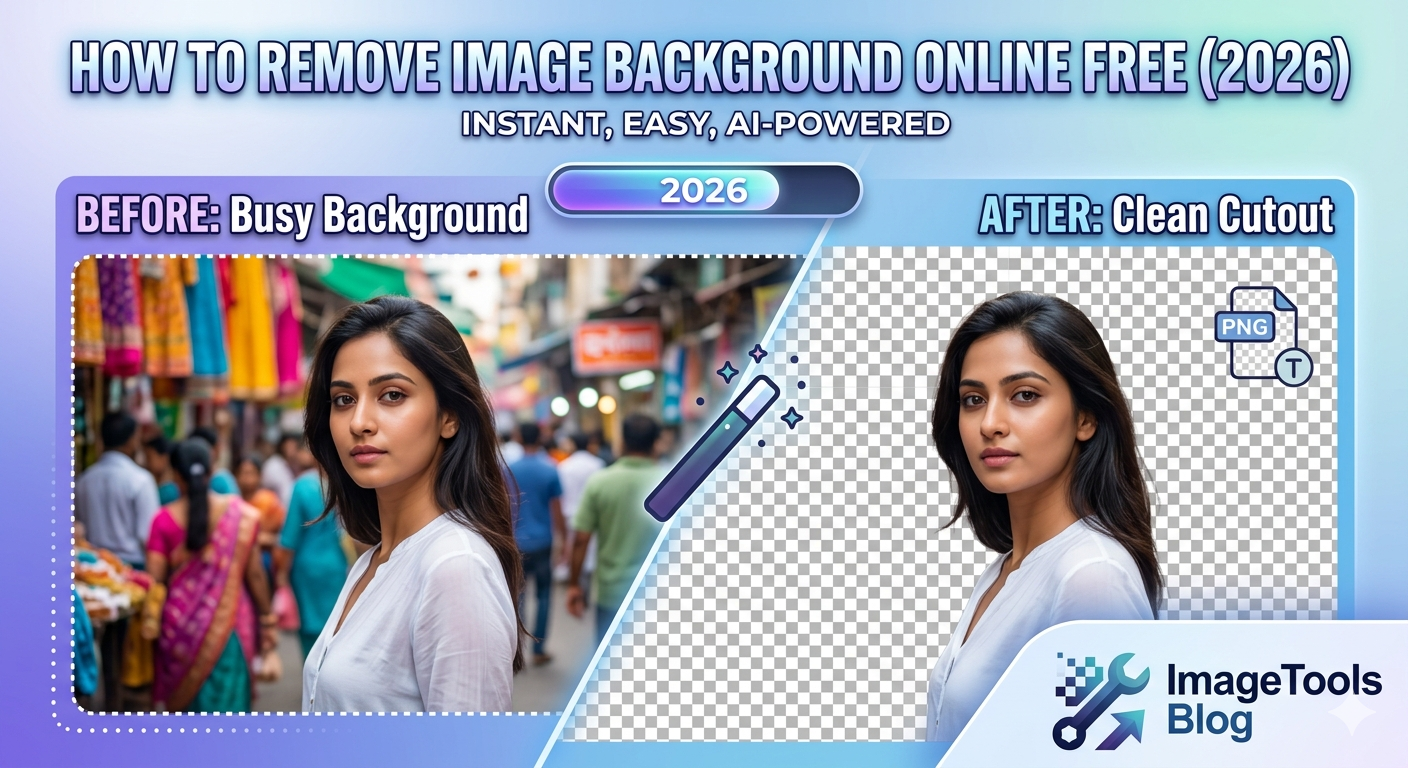
Remove Image Background Online Free
— Best Tools & Guide (2026)
To remove image background online free used to require Photoshop skills and hours of careful masking. In 2026, AI background removal tools do it in seconds — completely free, no software needed. This guide covers the best free tools, how to get clean edges, and exactly how to save the result correctly.
📋 Table of Contents
Why Remove a Background?
The ability to remove image background online free is one of the most in-demand image editing tasks in 2026. It lets you place your subject on any background — white for e-commerce, a custom color for social media, or transparent for use in design tools.
E-commerce Product Photos
White or transparent backgrounds are required by Amazon, eBay, and most marketplaces for product listings.
Professional Headshots
Place your portrait on a clean, neutral background for LinkedIn, company pages, and ID photos.
Design & Branding
Cut out logos or objects and place them in presentations, banners, and social media graphics.
Social Media Content
Create sticker-style images, transparent PNGs for Stories overlays, and custom graphic backgrounds.
Best Free Tools to Remove Image Background Online Free (2026)
These are the top tools to remove image background online free — tested for quality, edge handling, and actual free output in 2026. According to Adobe Express, modern AI can remove backgrounds with near-professional accuracy in under 5 seconds:
| Tool | Quality | Free Limit | Best For |
|---|---|---|---|
| remove.bg | Excellent | Low-res preview free; 1 credit/image hi-res | Portraits, hair, complex subjects |
| Adobe Express | Excellent | Free with account | Portraits and products |
| Canva Background Remover | Good | Free with Canva account | Simple subjects, social media |
| PhotoRoom | Excellent | Free with watermark | Product photos, e-commerce |
| GIMP (desktop) | Good | Fully free, open source | Manual control, complex edits |
| Pixlr | Good | Free with ads | General use, quick edits |
Best Pick to Remove Image Background Online Free in 2026
Adobe Express gives the best quality to remove image background online free with a free account — no watermark. For product photography, PhotoRoom is excellent. For one-off hi-res downloads, remove.bg offers 1 free credit per image.
Step-by-Step: How to Remove Image Background Online Free
Prepare Your Image
Start with a well-lit photo where the subject is clearly separated from the background. Higher contrast between subject and background = better AI results when you remove image background online free.
💡 Ideal: subject is well-lit, background is one solid colorUpload to Your Chosen Tool
Go to Adobe Express, remove.bg, or your chosen free tool and upload your image. Most tools have a simple drag-and-drop interface. JPG or PNG input both work fine.
Let the AI Process It
The AI will automatically remove image background online free — usually in 2–5 seconds. You’ll see the result with a checkerboard pattern where the transparent area is.
Refine the Edges
Zoom in and check the edges — especially around hair, fur, or complex outlines. Use the eraser tool to remove leftover background fringe, and the restore brush to bring back any parts of the subject accidentally removed.
⚠️ This step makes the difference between amateur and professional resultsDownload as PNG
Always download as PNG (or WebP) — never JPG. JPG doesn’t support transparency and will fill the removed background with white. The PNG file will have a true transparent background that works in any design tool.
Getting Clean Edges
The biggest difference between a good and bad result when you remove image background online free is edge quality. Here’s how to get professional-looking cutouts:
- Shoot with contrast: A white subject against a white wall is the hardest case. Dark subject on light background gives the cleanest automatic edges
- Check against a colored background: After removing, temporarily place a bright red or green solid background — any remaining fringe will be immediately obvious
- Use edge refinement tools: Most tools have a “Refine Edge” or “Smart Edge” brush specifically for hair and fur — always use it for portraits
- Zoom to 200%: Never judge edge quality at 100% zoom. Zoom in to 200% and manually check the entire outline
- Defringe: Some tools offer a “defringe” or “matte” option that cleans up color contamination at edges — turn this on for portraits
Hair Is Always the Hardest Part
Curly, frizzy, or flyaway hair is the most challenging subject when you remove image background online free. remove.bg and Adobe Firefly handle hair best among free tools. For very complex hair, manually refine using a soft-edged eraser at low opacity around the hairline. See Adobe’s guide to refining selections for advanced techniques.
How to Save — PNG vs WebP
After you remove image background online free, format choice is critical. The wrong format destroys your transparent background:
| Format | Transparency | File Size | Use For |
|---|---|---|---|
| PNG | ✅ Full support | Large | Editing, Photoshop, print, any design tool |
| WebP (lossless) | ✅ Full support | 20–30% smaller than PNG | Web use, HTML img tags, modern browsers |
| WebP (lossy + alpha) | ✅ Full support | Smallest | Product photos on web where perfect quality not needed |
| JPG | ❌ No transparency | Small | Never for background-removed images |
| GIF | ⚠️ Binary only | Medium | Only for animated images, not photos |
For web use, convert your removed-background PNG to WebP using our free PNG to WebP converter — save 20–30% file size while keeping the transparent background perfectly intact.
Pro Tips for Better Results
1. Always Keep Your Original
Never overwrite the original photo when you remove image background online free. Save the background-removed version as a separate file — you may want to redo it later with a better tool.
2. Use a Tripod for Consistent Product Shots
For e-commerce product photography, a tripod ensures consistent framing across multiple shots — making batch background removal much faster and more accurate.
3. White Background for E-commerce
For marketplace product photos (Amazon, eBay, Etsy), the requirement is a pure white background — not transparent. After you remove image background online free, add a solid white layer behind the cutout before exporting as JPG.
4. Check Marketplace Requirements
Different platforms have different rules: Amazon requires pure white (RGB 255,255,255), Instagram works best with transparent or custom backgrounds, and LinkedIn recommends a light neutral background for headshots. The Amazon product photography guidelines cover exact background requirements for listings.
✂️ Need to Resize or Convert After Removing Background?
Use our free browser-based tools to resize, compress, or convert your PNG cutout — no upload required, no sign-up needed.
