
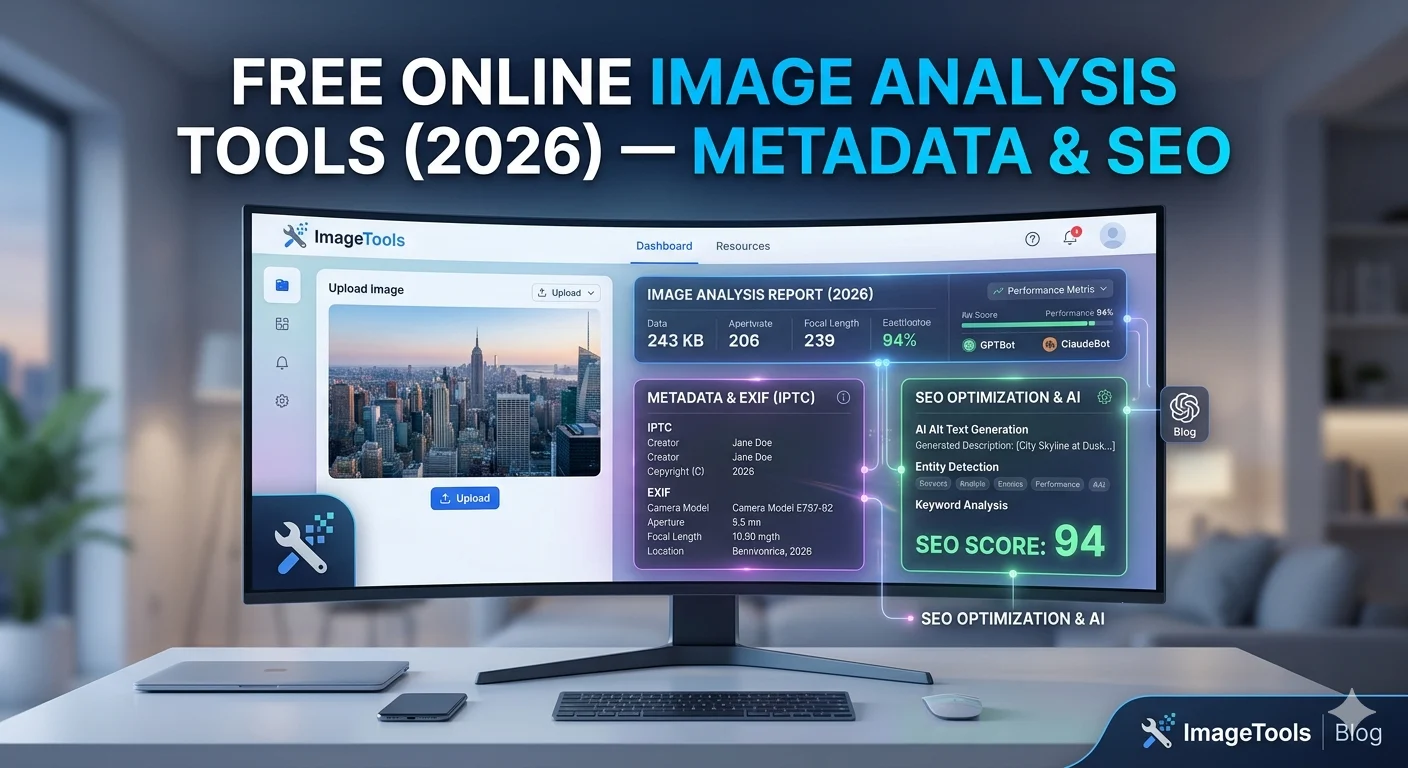
Free Image Analysis Tools
— Metadata & SEO Analyzer
Our free image analysis tools let you understand exactly what’s inside any image — view hidden EXIF metadata and get an instant SEO score. Both tools run entirely in your browser: no files sent anywhere, no sign-up needed, completely private.
One of the most essential free image analysis tools — read the hidden EXIF, IPTC, and XMP data embedded in any image. Camera model, lens, GPS coordinates, exposure settings, copyright info, and more. Essential for photographers and privacy-conscious users.
- Camera model, make, and firmware version
- Lens focal length, aperture, shutter speed, ISO
- GPS coordinates (if present) with map link
- Date and time the photo was taken
- Copyright and author information
- Image dimensions, resolution (DPI), color space
The most actionable of our free image analysis tools — get an instant SEO score for any image. Checks file size, format, dimensions, filename, and simulates Core Web Vitals impact. See exactly what’s hurting your image SEO and how to fix it.
- File size check — pass/fail vs Core Web Vitals targets
- Format analysis — WebP vs JPG vs PNG recommendation
- Dimension check — oversized image detection
- Filename analysis — keyword-friendliness score
- LCP impact estimate — hero image optimization tips
- Actionable fix suggestions for every failed check
What Our Free Image Analysis Tools Show You
Sample output from both tools — here’s the kind of data you get instantly, straight in your browser.
📊 Sample Metadata Output
🏆 Sample SEO Score Output
100% Private — Your Images Never Leave Your Device
Both free image analysis tools run entirely in your browser using JavaScript. When you upload an image, it is read locally — no data is sent to any server, logged, or stored. This is especially important for the Metadata Viewer, which can reveal sensitive GPS location, camera details, and copyright data. See Google’s browser privacy best practices for more on how browser-based processing protects your data.
