
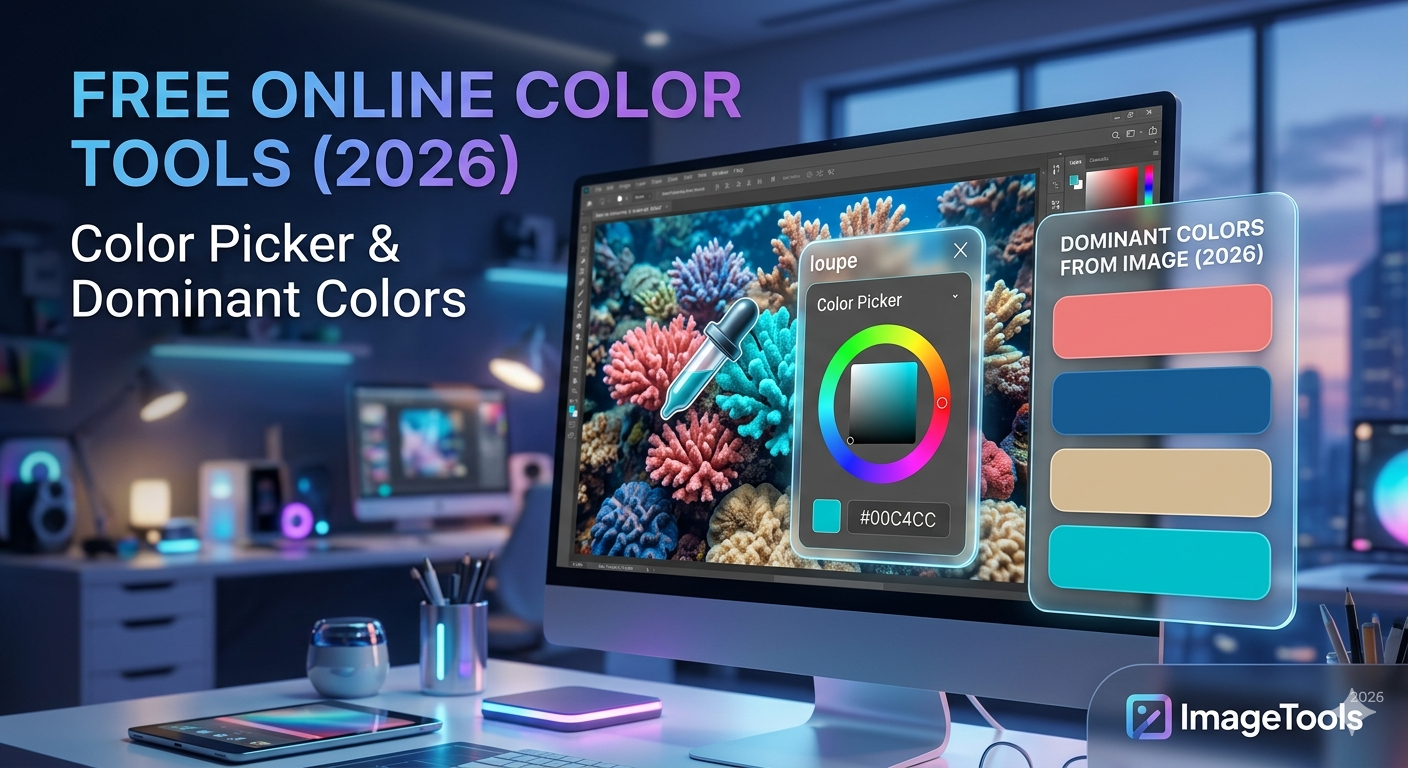
Image Color Picker Free
& Dominant Color Finder
Use our image color picker free online tool to sample any pixel from a photo and get instant HEX, RGB, and HSL values — or extract the full dominant color palette from any image. Essential for designers, developers, and anyone building better visual experiences. Free, private, browser-based.
The fastest image color picker free online — click anywhere on any photo to instantly sample that pixel’s exact color. Get the value in HEX, RGB, and HSL and copy to clipboard in one click. Perfect for matching brand colors from logos, photos, or screenshots.
- Click any pixel on your image to sample color instantly
- Instant HEX, RGB, and HSL values — no delay
- One-click copy to clipboard for each format
- Live color preview swatch as you hover
- Save multiple sampled colors in a session palette
- Works on JPG, PNG, and WebP images
Upload any image and instantly see the 5 most dominant colors with percentage breakdowns. Generates a full color palette — ideal for building cohesive brand identities, UI themes, and design systems directly from real imagery.
- Extracts top 5 dominant colors automatically
- Shows percentage of each color in the image
- Full palette display with HEX codes
- Copy full palette as CSS variables in one click
- Great for brand color discovery from product photos
- Works on JPG, PNG, and WebP images
Sample Color Palettes
The kind of palettes our image color picker free tool extracts — ready to use in CSS, Figma, or any design tool.
Image Color Picker Free — Why Color Matters for Search & UX
An image color picker free tool is one of the most powerful — and most overlooked — assets for image search optimization. Google Image Search uses dominant color as a search filter, letting users narrow results to specific hues. Images with clear, strong color palettes are more likely to surface in color-filtered searches and attract more clicks in results pages.
From a user experience basics perspective, color harmony directly affects how users perceive your brand, how long they stay on your page, and whether they trust your content. Research on color theory consistently shows consistent color use increases brand recognition by over 80%. Knowing the exact hex values from your images lets you match them precisely in your UI — no more guessing or eyeballing.
Color-Filtered Image Search
Google Images lets users filter by color. Use our image color picker free tool to identify dominant hues and optimize images for color-filtered searches.
Brand Color Consistency
A user experience basic: your UI colors must match your image colors. Extract exact hex values from photos to ensure pixel-perfect brand consistency across the site.
Theme Generation from Images
Use dominant colors from your hero images to generate your entire site color scheme — a proven technique for cohesive, professional-looking pages.
Accessible Contrast Checking
Once you have exact color values from our image color picker free tool, check contrast ratios against WCAG accessibility guidelines for any public website.
Who Uses Our Image Color Picker Free Tools?
UI/UX Designers
Extract color palettes from inspiration images or client brand photos to build cohesive design systems in Figma or Sketch.
Web Developers
Get exact HEX/RGB values from design mockups or stock photos — paste directly into CSS without guessing or opening Photoshop.
Photographers
Identify the dominant mood colors of a photo series — useful for creating consistent visual themes across a portfolio or print collection.
E-commerce Brands
Extract exact colors from product photos to match UI elements, buttons, and backgrounds — keeping sites polished and on-brand.
Social Media Managers
Keep feed aesthetics consistent by using our image color picker free tool on every post image and matching colors across graphics and templates.
Print Designers
Sample precise colors from digital photos to match them in print layouts — avoiding the frustrating screen-to-print color mismatch problem.
